DocSteer-EE: company documentation, written in the browser
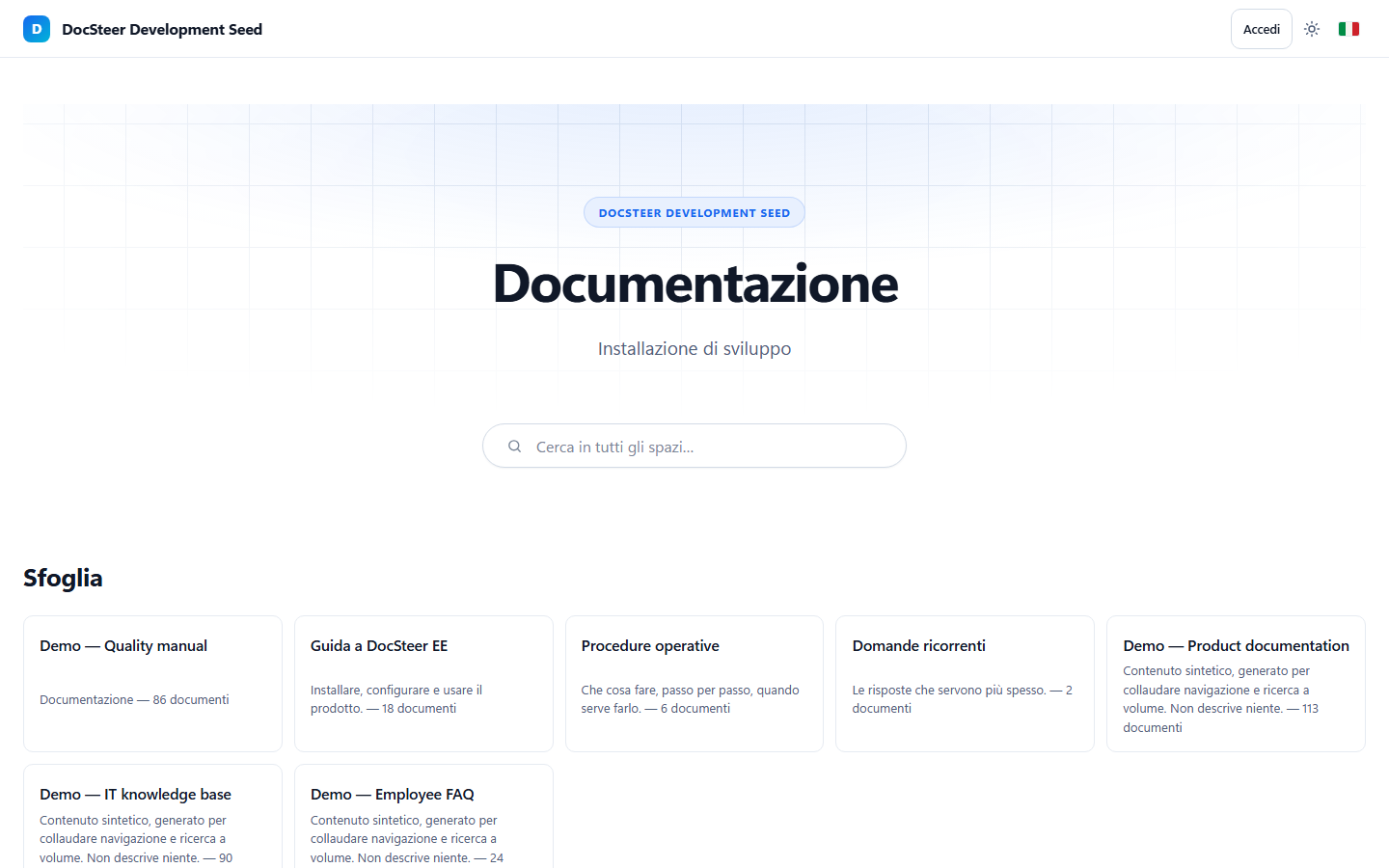
A Jekyll theme is perfectly fine as long as the people writing the documentation have access to the repository. In a company that is almost never the case. DocSteer-EE starts from there.
A month ago I wrote about DocSteer, a Jekyll theme for technical documentation and knowledge bases. It works well for what it is: Markdown pages in a repository, a build, a static site.
In a company, though, documentation is written by people who will never open a repository: the helpdesk updating a procedure, the quality team fixing a manual, the colleague who just wants to correct a typo without learning Git. They need an application. DocSteer-EE is that application, and it is in alpha.
- Why an application and not a theme
- What it already does
- Signing in with the company account
- How I am building it
- What is free and what is not
- Where it stands
Why an application and not a theme
There are four things that people using it in a company take for granted, and Jekyll cannot provide them. Not because they would be hard to build: the model simply has no room for them.
- Writing from the browser. That needs a server saving at runtime, and a static site has no runtime.
- Signing in with an account. That needs a session and a decision on every request, while a static page is public from the moment it exists on disk.
- Knowing who changed what, and when. Git knows, but only for people with access to the repository.
- Per-section permissions. A published file can be read by anyone who reaches its address.
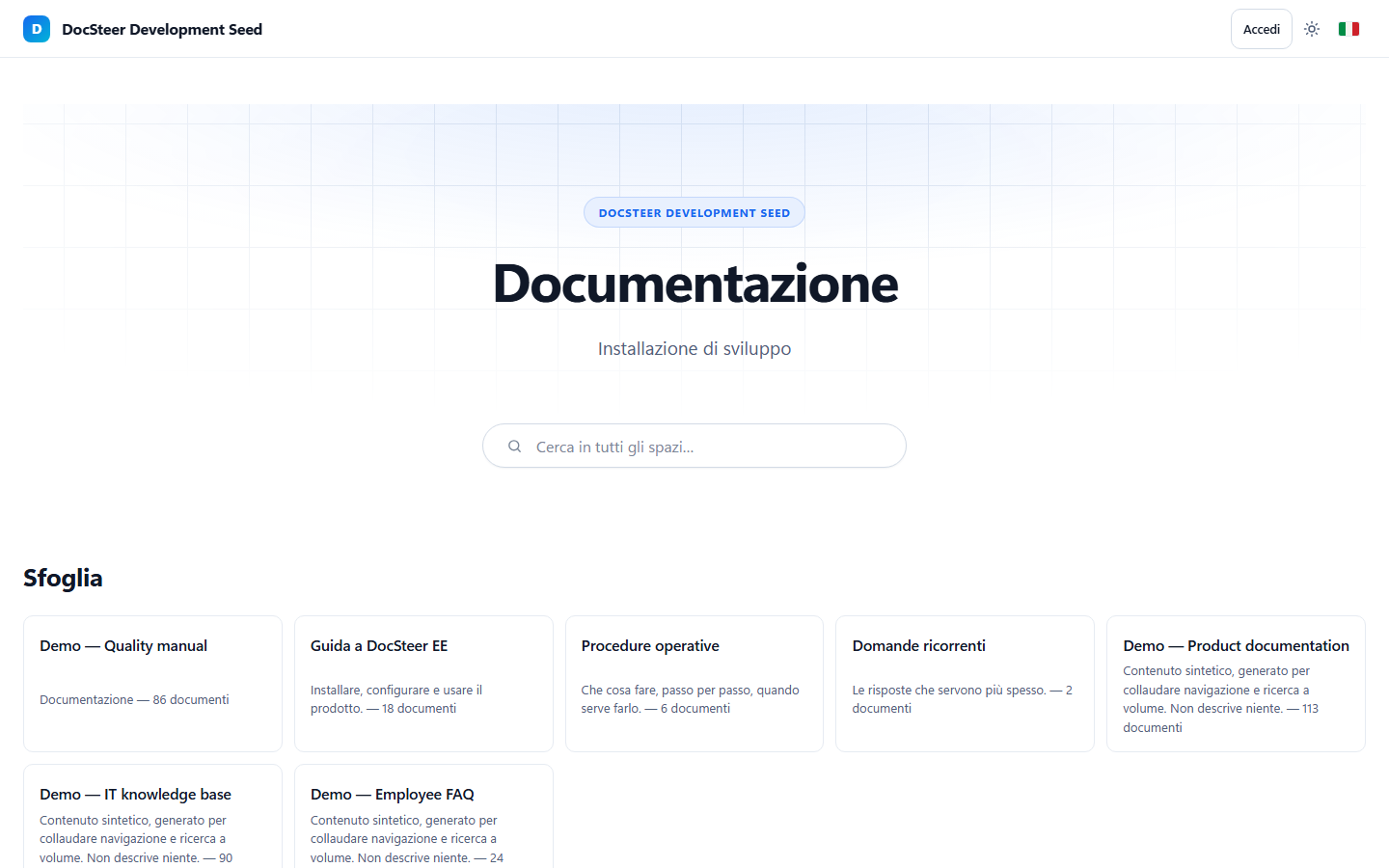
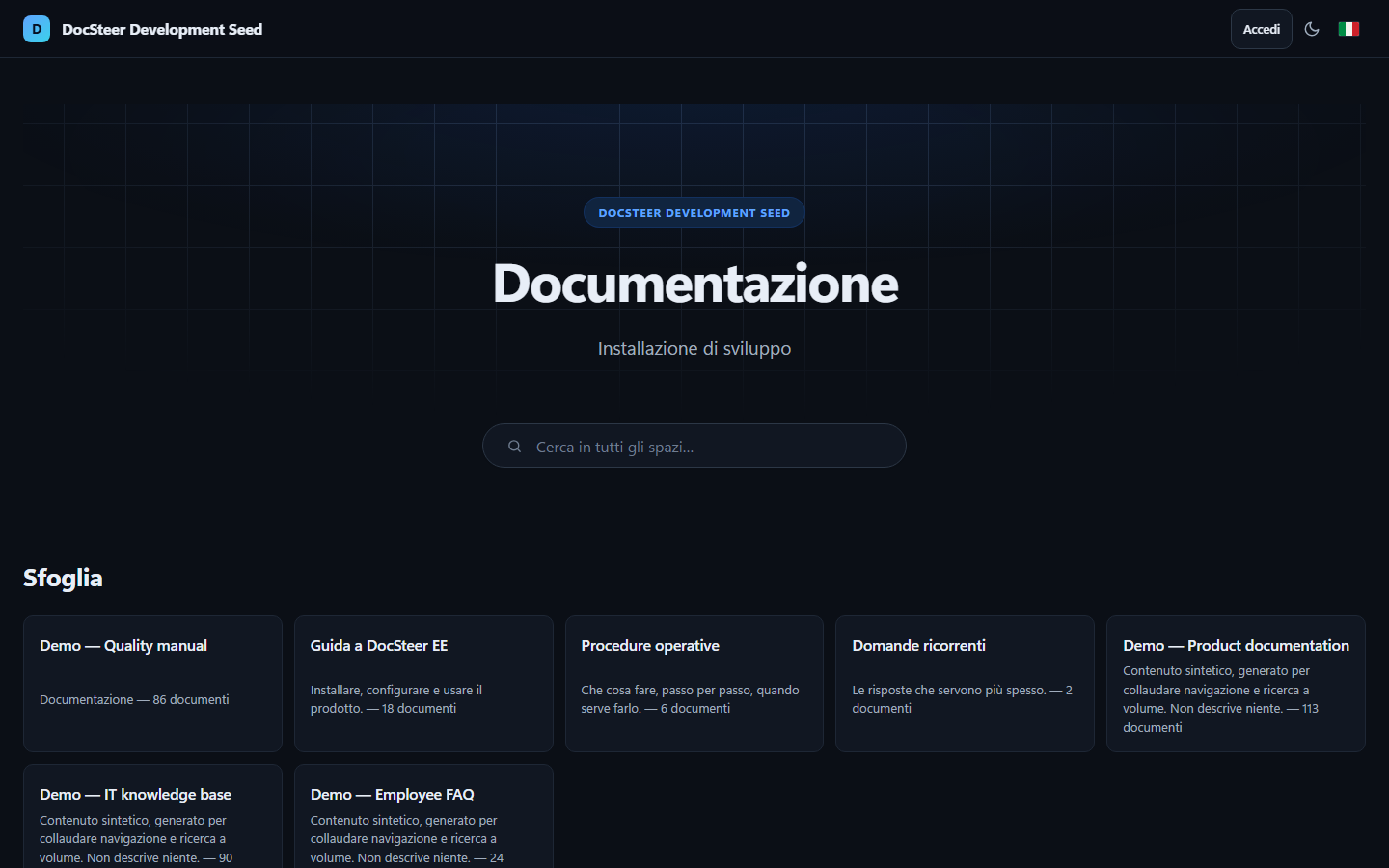
So the engine changes: SvelteKit and TypeScript on the server, content in PostgreSQL, all of it in a Docker container. DocSteer’s design system stays: the skins, light and dark mode, the sidebar, the table of contents, keyboard search. Anyone who knows the theme will recognise the application straight away.
What it already does
- Three kinds of space: documentation, knowledge base, FAQ. They live side by side in the same installation, each with its own visibility: public, open to anyone with an account, or restricted to people with a role on that space.
- Two editors on the same text. A Markdown one, with a side-by-side preview, and a visual one for people who would rather not see Markdown at all. The saved text is always Markdown, and a page the visual editor could not represent faithfully stays in Markdown: the editor says so, instead of converting it silently.
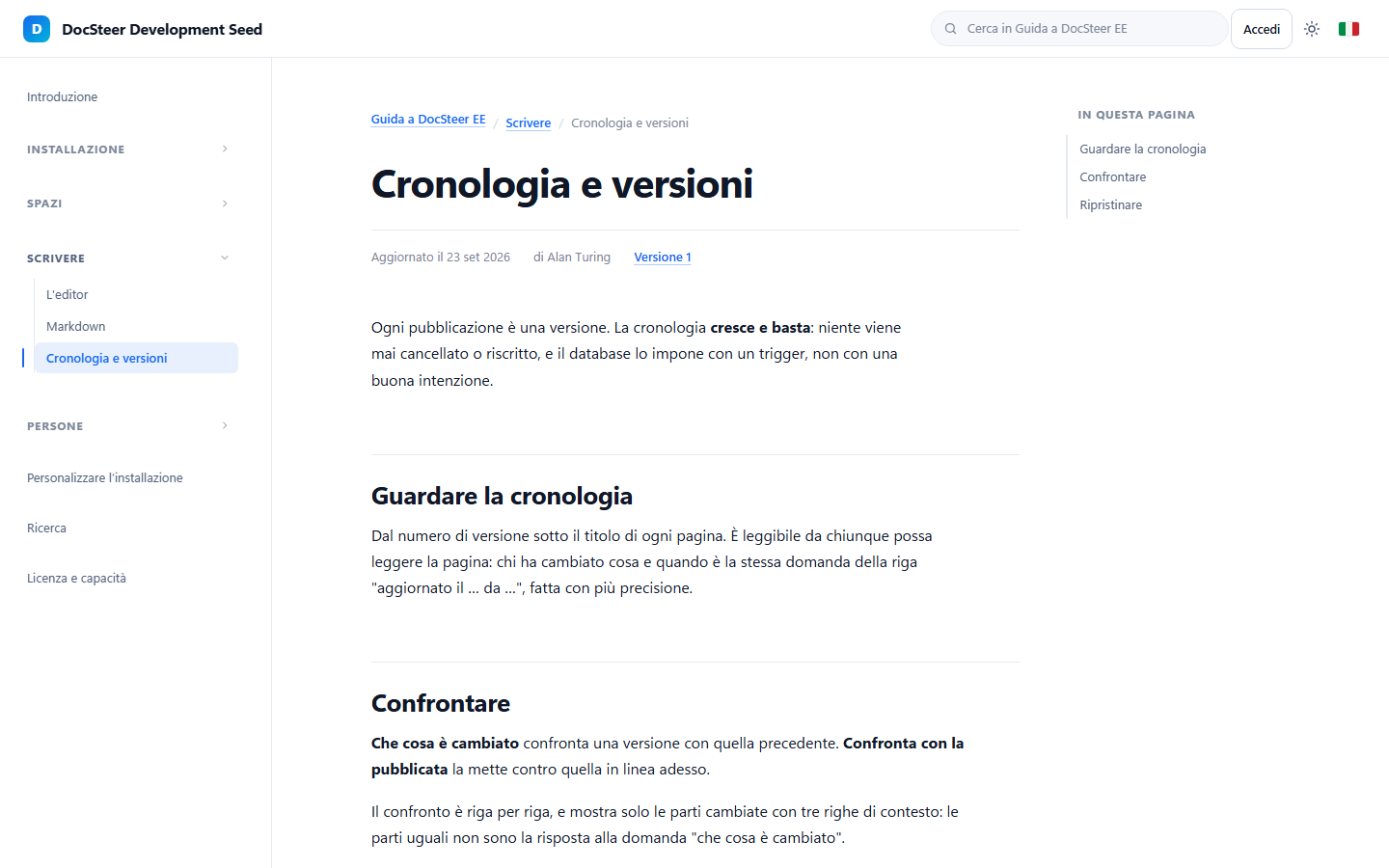
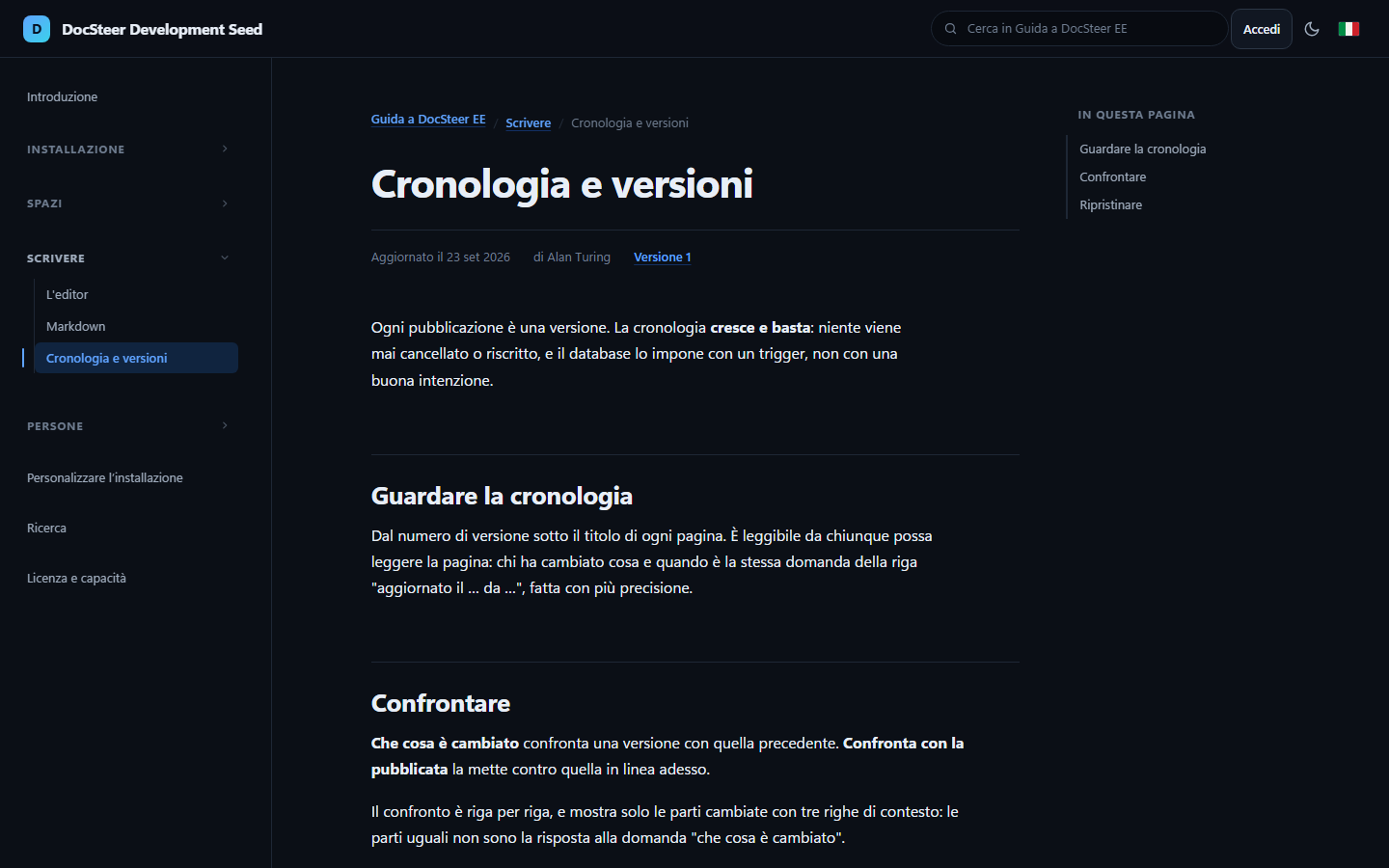
- Full history. Every publication is a version, and none is ever deleted or rewritten. Any two versions can be compared, and restoring an old one creates a new version.
- Review, if you want it. A per-space option: changes go through a reviewer other than the author, who approves them or sends them back with a note.
- Reports instead of comments: someone reading a wrong procedure reports it to whoever looks after it, with a link to the version they read.
- Attachments and a gallery for every space, showing where each file is used.
- Search across the whole site or within one space, showing only what the person searching is allowed to read.
- Your own brand: logo, favicon, colours, name and texts are changed from the admin panel, without touching a configuration file.
- Interface languages as PO files: download them, translate them in Poedit, upload them back.
The product’s own documentation is written inside the product, as one space among the others:
Signing in with the company account
An internal application that asks for yet another password starts on the back foot. That is why DocSteer-EE connects to what the company already uses:
- LDAP and Active Directory, tested against OpenLDAP and against a real Samba 4 domain controller, which answers with the same error codes as AD, resolves nested groups and refuses cleartext passwords the way a hardened domain does.
- Single sign-on with OpenID Connect: Entra ID, Keycloak, Okta. Multi-factor authentication is handled by the provider.
Local accounts stay, and they come before the directory: the administrator setting up LDAP cannot lock themselves out.
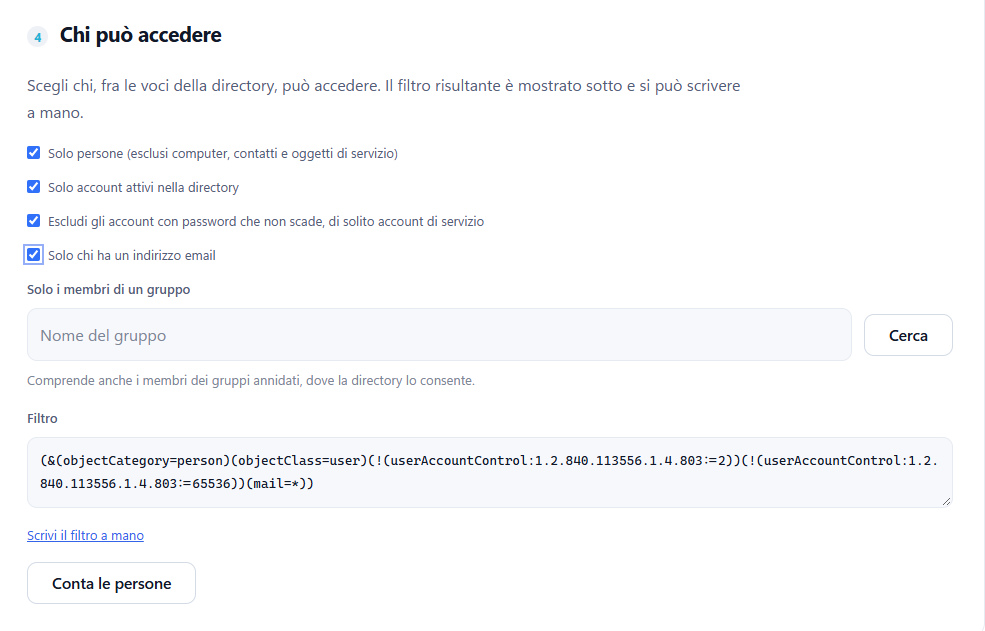
Then there is the question of who gets in. I don’t know about you, but LDAP filters and I have never made peace. All it takes is a perfectly reasonable request like “only real people, only active accounts, no service accounts” and you find yourself counting parentheses at eleven at night, looking up for the umpteenth time what 1.2.840.113556.1.4.803 means (spoiler: it is a bitwise AND, obviously), and finding out the next morning that half of purchasing has been locked out.
That is why the filter is built by ticking boxes. Pick the conditions, add a group if needed, nested groups included, and the filter writes itself as you watch. “Count the people” tells you how many it finds before you save. Anyone who prefers parentheses can still write it by hand, and an existing filter is read back and shown as the boxes it matches. It makes building queries simpler and, with a bit of luck, your sleep too.
How I am building it
As with the theme, with Claude Code, this time inside VS Code and with Opus 5.5. The method is the same: decisions in writing first, code second. There is an architecture document collecting every choice, with the alternatives that were dropped and why, and a status file updated at the end of each session, so the next day can start without reconstructing everything from scratch.
The delicate parts, such as authentication, versions and permissions, have their own tests, and the ones that talk to an external system are tested against a real system in Docker, not against a mock. An Active Directory integration written without an Active Directory in front of it is code that only looks like it works.
What is free and what is not
DocSteer-EE is open core: the core is AGPL-3.0, and advanced administration features require a licence. Where that line falls was the most carefully argued decision in the whole project, and there is a single rule: features are limited, never volumes.
No plan has a cap on spaces, documents, articles or FAQs. A limit on the number of pages would hit exactly the people using the product the most, at the very moment they start relying on it.
This is how the admin panel shows it (the screenshot is from the Italian interface):
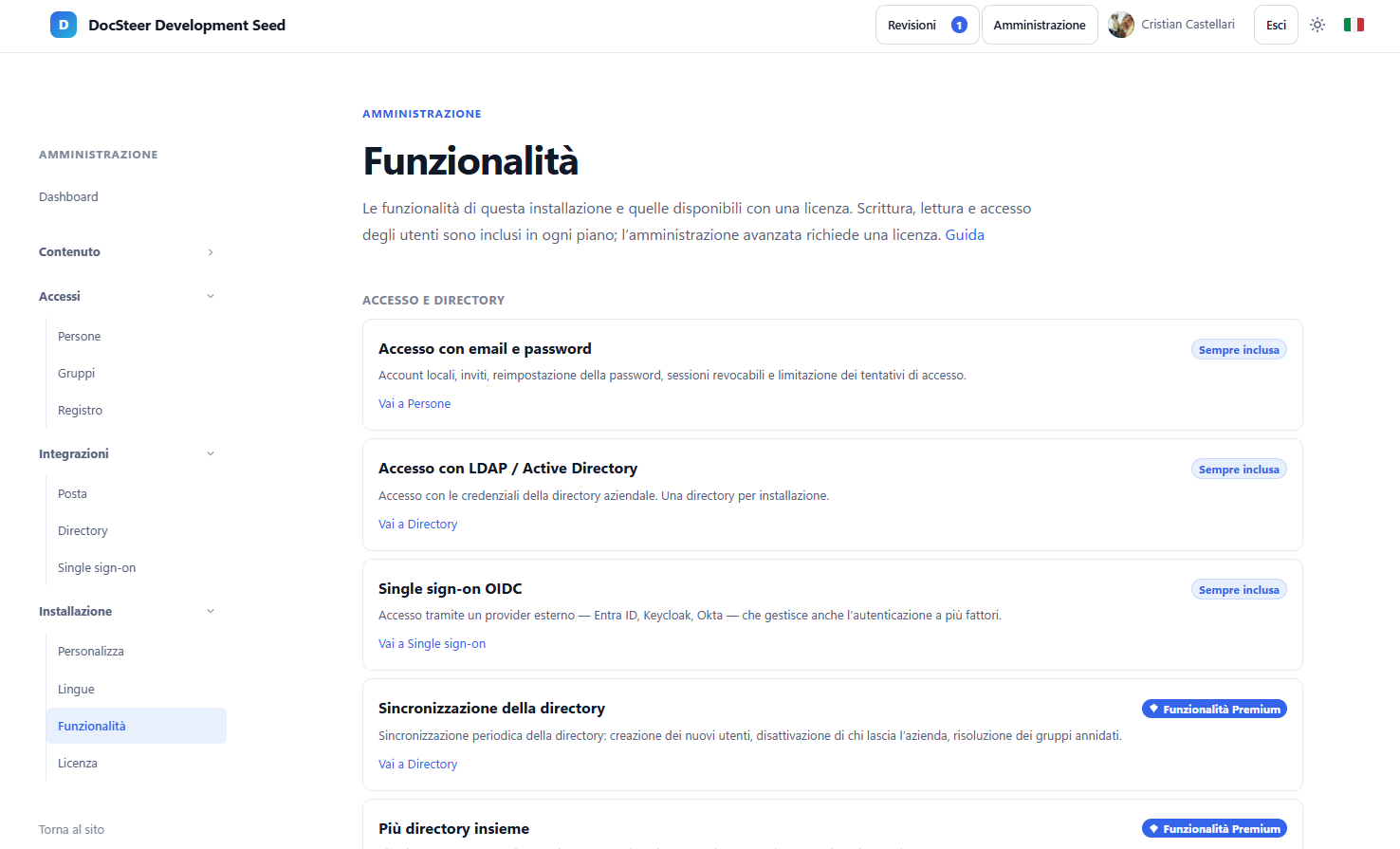
Always included, no key needed: unlimited writing and reading, editor, history and comparison, review, search, attachments, your own brand, global roles, public spaces and spaces open to anyone with an account, the activity log, export of your own content. And above all, sign-in through LDAP / Active Directory and OIDC single sign-on: signing in with the identity the company already has is not an integration to sell, it is the normal way in.
With a licence: periodic directory sync (people who leave the company are deactivated automatically), multiple directories at once, mapping AD groups to roles, restricted spaces with per-space permissions, audit log export for compliance, reporting, import from Confluence and DOCX, and removing the “Built with DocSteer” credit at the bottom of the page.
In practice: a company can install the free version and run it in production, with its users signing in with their domain credentials, with no limits and no expiry. A licence is for when there are too many people to keep track of by hand, that is, when there is an organisation to administer. And an expired licence cannot take away anything that is free.
Where it stands
It is an alpha, and it is not public yet: the repository stays private until there is a first installable release. The foundations are all there: permissions, editorial workflow, directory sync and group-to-role mapping. Some of the administration features are still missing, such as import from other systems and reporting.
In the meantime, the project it all started from is still there, MIT-licensed, on GitHub.
Before opening it up, what I most want to understand is what is missing for the people who manage company documentation every day. What do you use today? And what is it that, in the end, makes you give up on an internal wiki?